
Minimum and recommended PC specs, storage and SSD notes, and what each tier runs.
Last Epoch System Requirements: PC Specs Guide
Last Epoch needs Windows 10 64-bit, an Intel Core i5 2500 or AMD FX-4350, 8 GB of RAM, and a GTX 1060 or RX 580 with 6 GB of VRAM, plus 22 GB of space. The recommended tier doubles memory to 16 GB and steps up to an RTX 3060 or RX 6600-XT. An SSD is strongly recommended on both tiers.
- Launcher check first: both tiers require a 64-bit processor and operating system, DirectX 11, and 22 GB of free space.
- The real dividing line is VRAM and memory: 6 GB of VRAM at minimum, 16 GB of system RAM at recommended.
- Below the recommended tier, expect low settings: dense endgame scenes dip first, and our FPS and stutter checklist covers the free fixes in order.
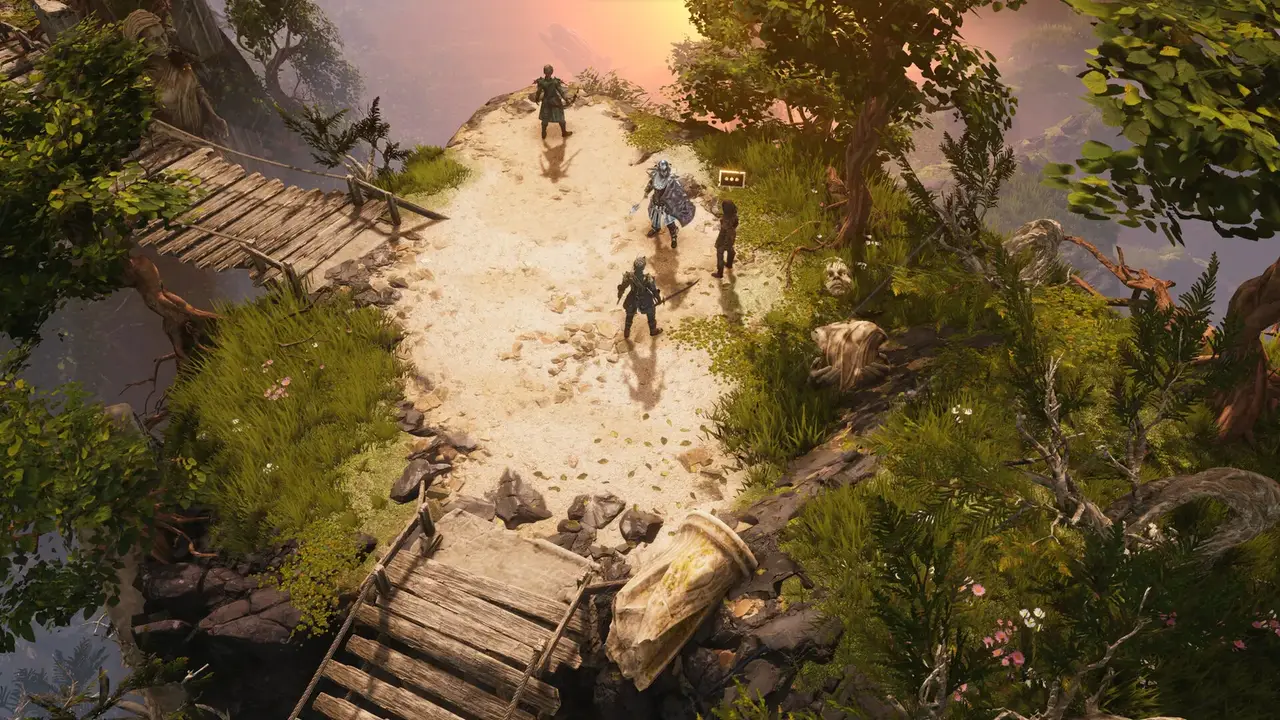
Minimum specs: the floor for launching the game
| Part | Minimum |
|---|---|
| OS | Windows 10, 64-bit |
| CPU | Intel Core i5 2500 or AMD FX-4350 |
| RAM | 8 GB |
| GPU | Nvidia GTX 1060 or AMD RX 580 with 6 GB of VRAM |
| DirectX | Version 11 |
| Storage | 22 GB available space |
Treat this tier as the entry ticket, not the comfort zone. The campaign will load and play, but crowded fights, loot-heavy deaths, and zone transitions are where a minimum-tier machine shows its age first. The store page adds one line that matters more than it looks: SSD strongly recommended.
Official source: Last Epoch on Steam — minimum tier: Windows 10, i5 2500 or FX-4350, 8 GB RAM, GTX 1060 or RX 580 with 6 GB VRAM, DirectX 11, 22 GB of space, SSD strongly recommended.
Recommended specs: the comfort zone
| Part | Recommended |
|---|---|
| OS | Windows 10, 64-bit |
| CPU | Intel Core i5 6500 or AMD Ryzen 3 1200 |
| RAM | 16 GB |
| GPU | Nvidia RTX 3060 or AMD RX 6600-XT with 6 GB or more of VRAM |
| DirectX | Version 11 |
| Storage | 22 GB available space |
Both tiers share the same OS, DirectX version, storage size, and SSD note. What changes is headroom: a newer quad-core, twice the memory, and a GPU a full generation ahead. That headroom goes straight into the situations that strain the minimum tier, which are long Monolith sessions, stacked minion builds, and screens full of dropped loot.
If your machine matches the minimum tier except for RAM, the jump from 8 GB to 16 GB is the single cheapest way to smooth out town loads and long sessions. A fixed paging file can help on 8 GB machines, but it is a bandage, and the exact steps are in our FPS and stutter checklist.
Storage and the SSD note
The game asks for 22 GB of available space on both tiers, with an SSD strongly recommended. Take that recommendation literally. Last Epoch streams zones, hideouts, and Echo layouts constantly, and Patch 1.5 shipped an official pass on exactly this: optimized performance for how assets load into scenes, plus a system that tones down stacked ability effects in heavy fights.
Official source: Patch 1.5 notes — optimized asset loading into scenes and reduced visual effect complexity when many ability instances spawn at once.
A mechanical drive will still launch the game, but expect longer loading screens and hitching when entering new areas. One freeze class tied to entering Caves, Tombs, and Cemeteries was fixed server-side in Hotfix 1.5.1.1, so if those zones still hang on an old client, update before blaming the drive.
Official source: Last Epoch Hotfix 1.5.1.1 Notes — fixed brief freezes when loading into Caves, Tombs, and Cemeteries.
What each tier actually runs
No official benchmark table exists, so read this as honest expectations rather than promises.
On minimum-tier hardware, plan for 1080p at low settings. The campaign and early Monolith play fine, but dense Echoes with minion builds or loot explosions will dip, and longer sessions degrade more than fresh launches. Capping the frame rate in the GPU control panel flattens those dips into something playable.
On recommended-tier hardware, 1080p at high settings is the realistic target, with 1440p at medium settings in reach for lighter builds. The same dense scenes still cost frames, because part of the load is per-effect CPU work rather than raw GPU power. No upscaler entry appears in the Season 5 patch notes, so there is no DLSS or FSR toggle to close the gap; settings and drivers do the work.
Handheld players should read our Steam Deck settings guide for what to expect on integrated graphics, which sit below even the minimum discrete GPUs listed here.
Windows only: no Mac or native Linux client
The store page lists Windows 10 only, and that matches the clients Eleventh Hour Games still ships. The macOS client was discontinued years ago, and the native Linux build was removed in September 2024, with players pointed at Proton instead.
Official source: Last Epoch drops the native Linux version — native Linux support removed in September 2024, Proton recommended going forward.
Practical read: Windows machines compare directly against the tables above. Anything else relies on compatibility layers the developers do not list as supported, so budget extra headroom and expect no official help when a layer-specific bug appears.
Several aggregator pages still list Windows 7 and cards like the GTX 660 or 660 Ti. The store page says Windows 10 64-bit and a GTX 1060 or RX 580 with 6 GB of VRAM. When a page disagrees with Steam, Steam wins.
Online play adds a connection requirement, not a hardware one
Online and Offline characters share the same specs. The difference is the network: Online characters live on the server and need a connection, while Offline characters are local saves that run without one. If your machine is weak and your connection is worse, Offline removes the server-side failure class entirely.
The trade is permanent, since Offline characters can never move Online, and trade, partying, and rankings stay Online-only. The full breakdown is in Online vs Offline vs Legacy, and party specifics live in our co-op guide.
FAQ
Can I run Last Epoch on 8 GB of RAM?
Yes, 8 GB is the listed minimum, and the game launches and plays the campaign on it. Expect town loads and long sessions to suffer first. Closing browsers and launchers helps, and a fixed paging file is worth testing, but 16 GB remains the honest fix.
Is an SSD required?
Not strictly, since the store page marks it strongly recommended rather than mandatory. In practice, treat it as required: zone loads, Echo transitions, and asset streaming all punish mechanical drives, and the Season 5 loading optimizations assume fast storage underneath.
Does Last Epoch run on Steam Deck?
It runs, but integrated graphics sit below the minimum discrete GPUs, so settings need real compromises. See our Steam Deck settings guide for which knobs players adjust and what frame behavior to expect.
Do I need a better PC for Online mode?
No. Online and Offline need the same hardware. Online adds a stable connection requirement because characters, trade, and parties live server-side. If lag or server outages are your problem rather than frames, Online vs Offline explains what each mode keeps and loses.
Can Mac or Linux players join in?
There is no supported macOS client and no native Linux build anymore. Linux players use Proton at their own risk, which needs headroom above these tables, and Mac players have no official path at all.
Related Guides
- Last Epoch FPS Drops and Stuttering: What Actually Helps — the free driver and Windows fixes to try before spending money.
- Last Epoch Steam Deck: Settings and Performance — how the game behaves on handheld integrated graphics.
- Last Epoch Online vs Offline vs Legacy (Season 5) — which mode fits a weak machine or a bad connection.
- Last Epoch Co-op: Party Size, Scaling, and Invites — what grouping adds on top of the base specs.
More Last Epoch Guides
Season 5 added Ice and Blood Forging Potential to the Forge. How shards, affix tiers, Legendary Potential and the new potentials fit together.
The four S5 items that change your damage type, and how elemental conversion, ailments and resistances interact.
What the three dungeons unlock, which keys each needs, and how their rewards differ.
A tested checklist for Last Epoch frame drops and stuttering, from shader cache and paging file to the settings that cost you the least damage.
How many hours the campaign takes for new and rushing players, plus what changes the time before endgame.
An honest buy-or-skip verdict for Last Epoch in Season 5, covering price, DLC, the free-to-play-free question and who it does not suit.
Merchant's Guild drops rank gating and adds price suggestions; Circle of Fortune kills Prophecy rerolls and adds Lenses. Plus The Woven, the third faction.
The exact menu path to import a loot filter, plus the Season 5 filter changes worth making after a new league starts.